Online Transparent Image Maker
Make any image background transparent.
Drop files here or

By uploading, you agree to Canva’s Terms of Use. Read our Privacy Policy.
Create a transparent image background in Canva. Upload your file, remove the background in one click, and download your image instantly as a transparent PNG, ready for any project.
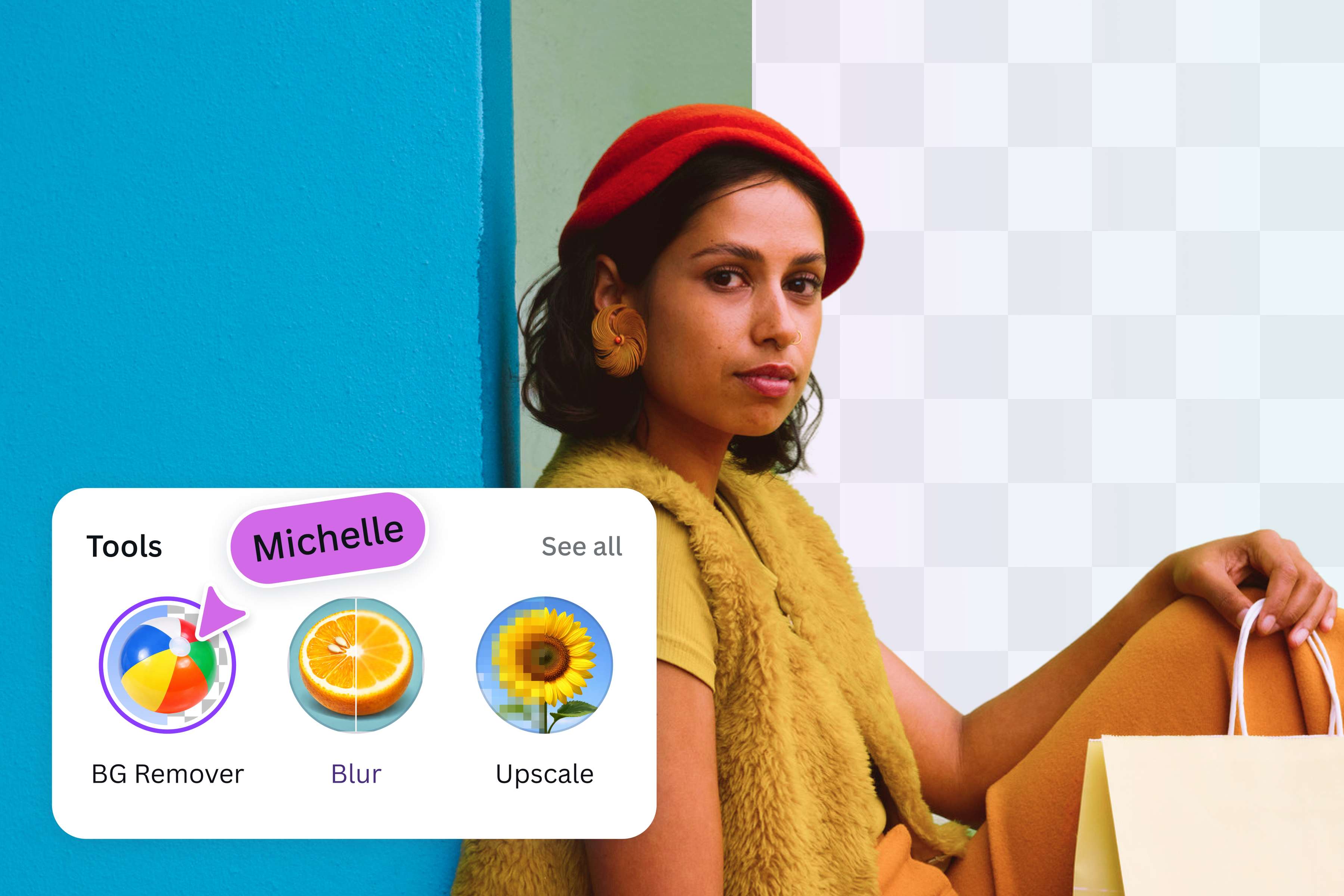
Make images transparent for greater flexibility
Unlock unlimited design possibilities by making your photo background transparent using Canva’s transparent image maker. Get rid of unwanted distractions, highlight key elements, and layer images effortlessly. Whether crafting a logo, designing a presentation, or developing your website, take advantage of transparent image backgrounds and create designs that truly stand out.
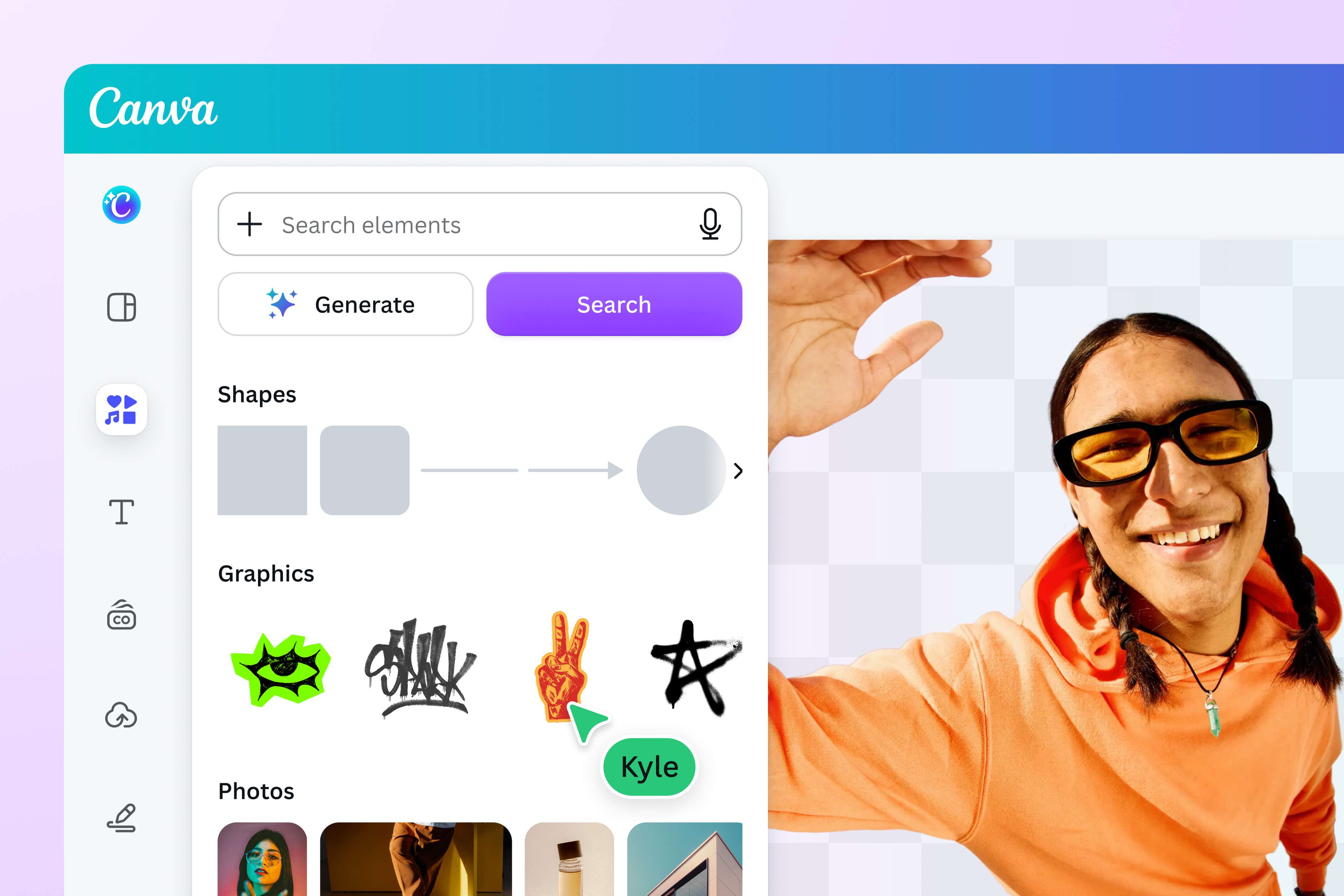
Adjust results for a custom finish
With our transparent image maker, you can remove the background and fine-tune every detail of your image. Restore foreground elements with simple brush strokes, or remove any background fragments for a cleaner look. Whether polishing product shots, layering photos with text for social media, or creating custom stickers, enjoy greater control over every image with our online transparent background tool.

Make the most of your transparent images
Make your images transparent to maximize your design potential. Edit, resize, or reposition your photo without worrying about background elements getting in the way. A transparent background blends smoothly with any theme or color scheme, ensuring your visuals always hit the mark. Use Canva’s transparent image maker to produce imagery that brings your creative vision to life.
How to make an image transparent
Upload your image
Select Upload your image or drag and drop your file onto the page. JPG, PNG, HEIC/HEIF, WebP, and SVG formats are supported. Log in or sign up for a Canva account if prompted.Remove the background
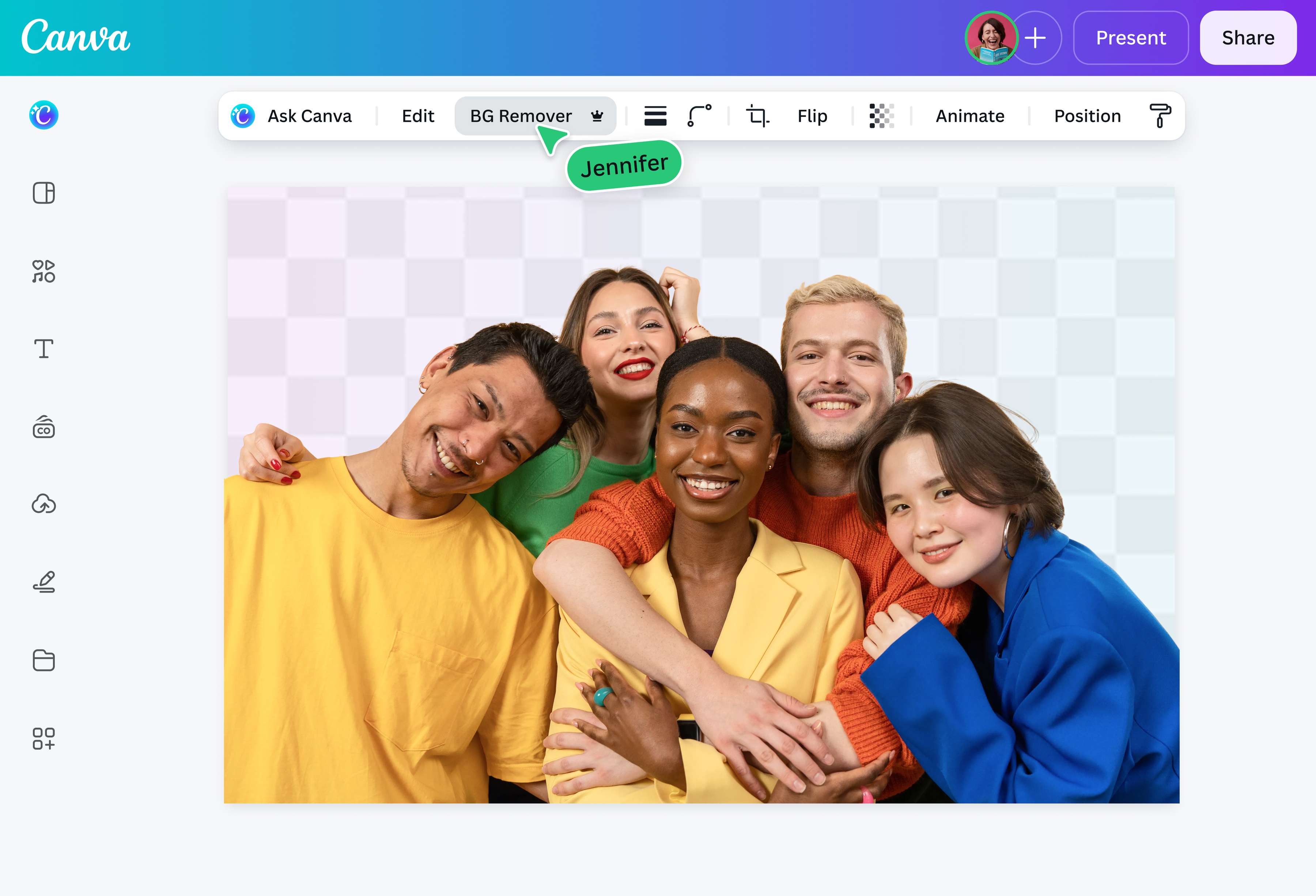
Canva automatically removes the background once your image finishes uploading. Simply wait a few moments while Canva processes your image.Preview your image
Preview your image with its new transparent background directly on the page. Compare it with the original to see the difference.Download in PNG format
Tap Download to save your image as a transparent PNG, ready to use in marketing materials, presentations, social media, or other Canva designs.Keep editing your PNG
Want to make more changes? Select Open in editor to erase or restore parts of the background for a more precise cutout. Or, explore more editing tools in Canva’s powerful photo editor(opens in a new tab or window).
Frequently Asked Questions
- Upload your image, and we’ll automatically remove the background to make it transparent. Preview the result, then download it as a PNG or continue editing it with our other photo editing tools.